Customizable A/V Formatters Configuration
Archipelago's 1.6.0+ release (December 2025) features new customizable Audio and Video Formatters (anything built by an admin user via plain HTML/templates) interfaces, including Wavesurfer (wave form interactive visualization) integration.
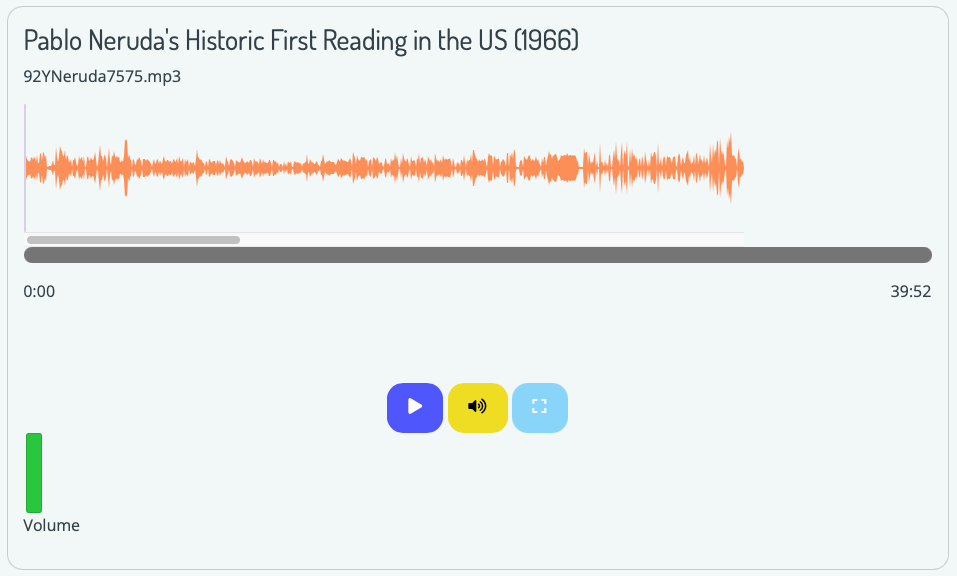
This documentation page will be updated in the upcoming weeks to provide detailed information related to both A/V Formatters.
Please also see our 'Primer on Display Modes' and 'Strawberryfield Formatters' guides for more information about Display Modes and Formatters.
Audio Formatter Example
You can find the main custom Audio Formatter settings configuration form at:
- admin/structure/types/manage/digital_object/display/digital_object_with_a_v_player
- Through the Manage menu > Structure > Content types > Digital Object > Manage display > Select 'Digital Object with Audio Player'
Select the small settings cogwheel to the right of the Erdbeere field + Strawberry Field Audio Formatter to review the custom Audio Formatter settings.
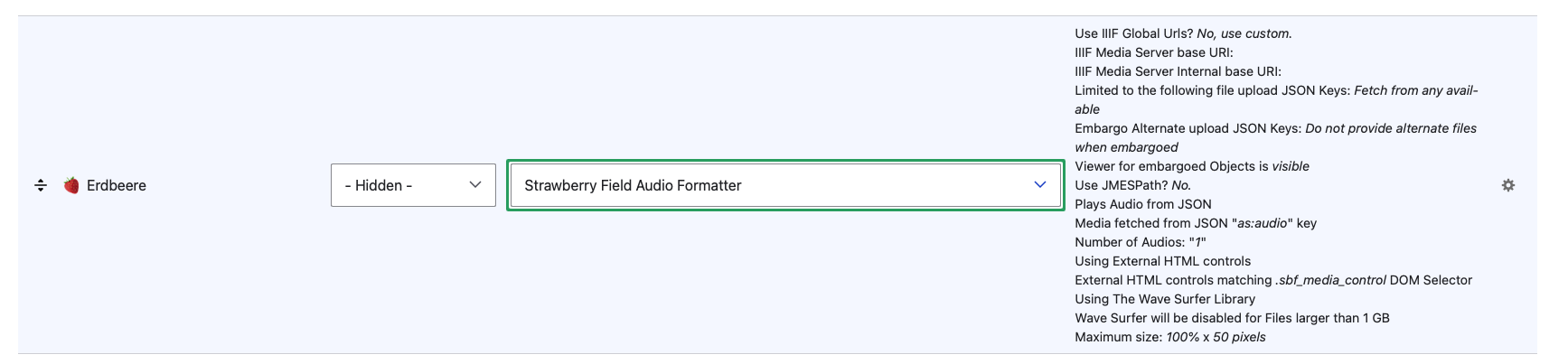
The customizable Audio Formatter features several optional ways to adjust the audio player display for digital objects using this formatter.
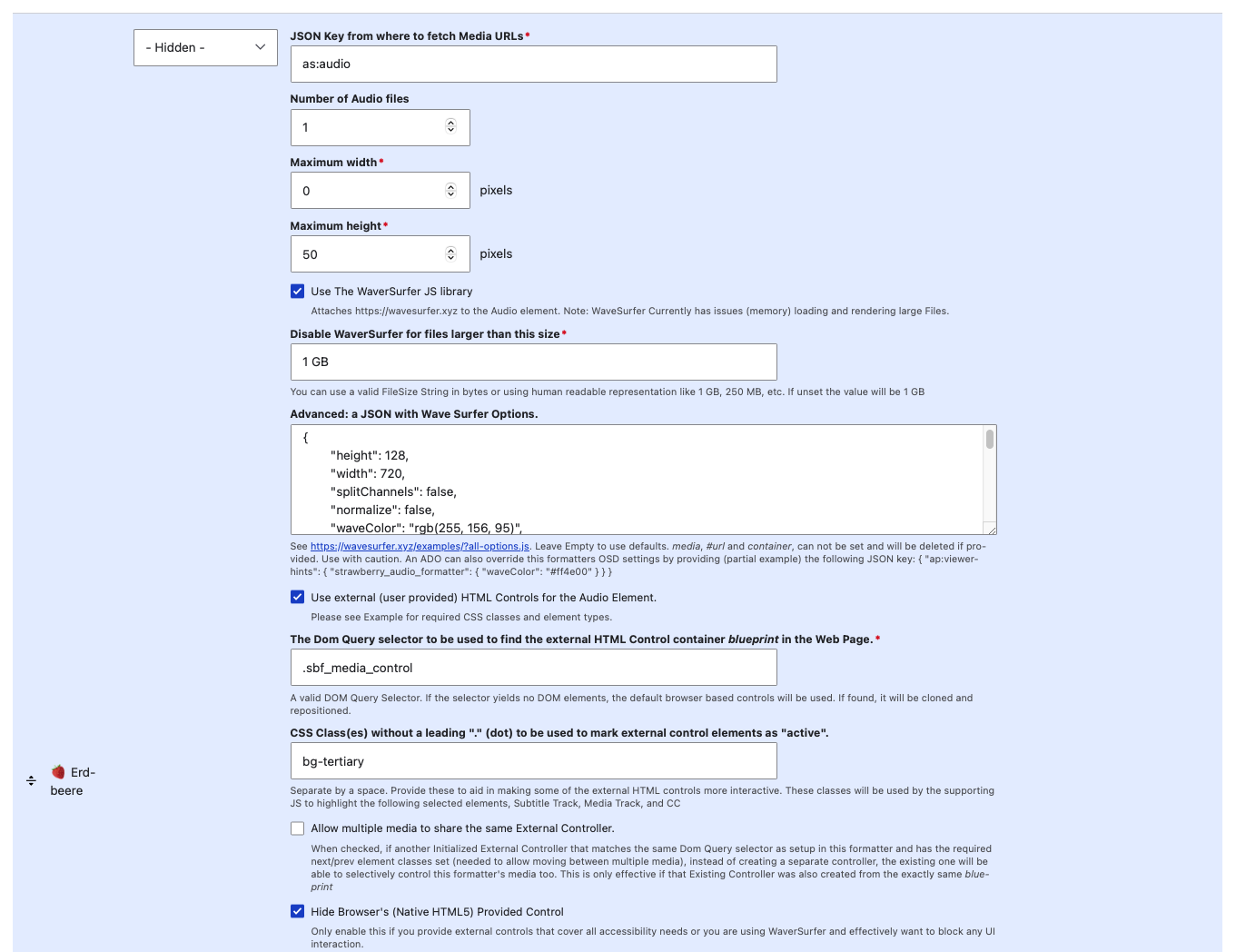
The Advanced: a JSON with Wave Surfer Options section contains preconfigured JSON settings for a default example setup.
Please see https://wavesurfer.xyz/examples/?all-options.js for more potential options. You can also leave this section empty to use default wavesurfer settings (recommend to test and review first).
Please also note: media, #url and container cannot be set and will be deleted if provided. Use with caution.
An ADO can also override this formatters OSD settings by providing (partial example) the following JSON key: { "ap:viewer-hints": {"strawberry_audio_formatter": ("waveColor": "#ff4e00" }}}
Video Formatter Example
Archipelago's Video Formatter provides both a lightweight, browser-based HTML5 video player or a customized/stylized Wavesurfer player.
For default Archipelagos, you can find the default Video settings configuration form at:
- admin/structure/types/manage/digital_object/display/digital_object_with_video_player
- Through the Manage menu > Structure > Content types > Digital Object > Manage display > Select 'Digital Object with Video Player
Select the small settings cogwheel to the right of the Erdbeere field + Strawberry Field Video Formatter to review the custom Video formatter settings.
Default configurations used
- Use IIIF Global Urls? Yes.
- IIIF Media Server base URI: https://dcmny.org/cantaloupe/iiif/2
- IIIF Media Server Internal base URI: http://esmero-cantaloupe:8182/iiif/2
- Media fetched from JSON "as:video" key
- Embargo Alternate upload JSON Keys: Do not provide alternate files when embargoed
- Viewer for embargoed Objects is hidden
- Use JMESPath? No.
- No JMESPath expression used
- No Alternative JMESPath expression used
- Fallback to non JMESPath? No.
- Plays Video from JSON
- Number of Videos: "1"
- Maximum size: 100% x auto
- Poster Frame Generation: Extract first frame of the movie via IIIF in realtime
- Additional options for using the WaveSurfer JS library, external or native HTML controls all unchecked.
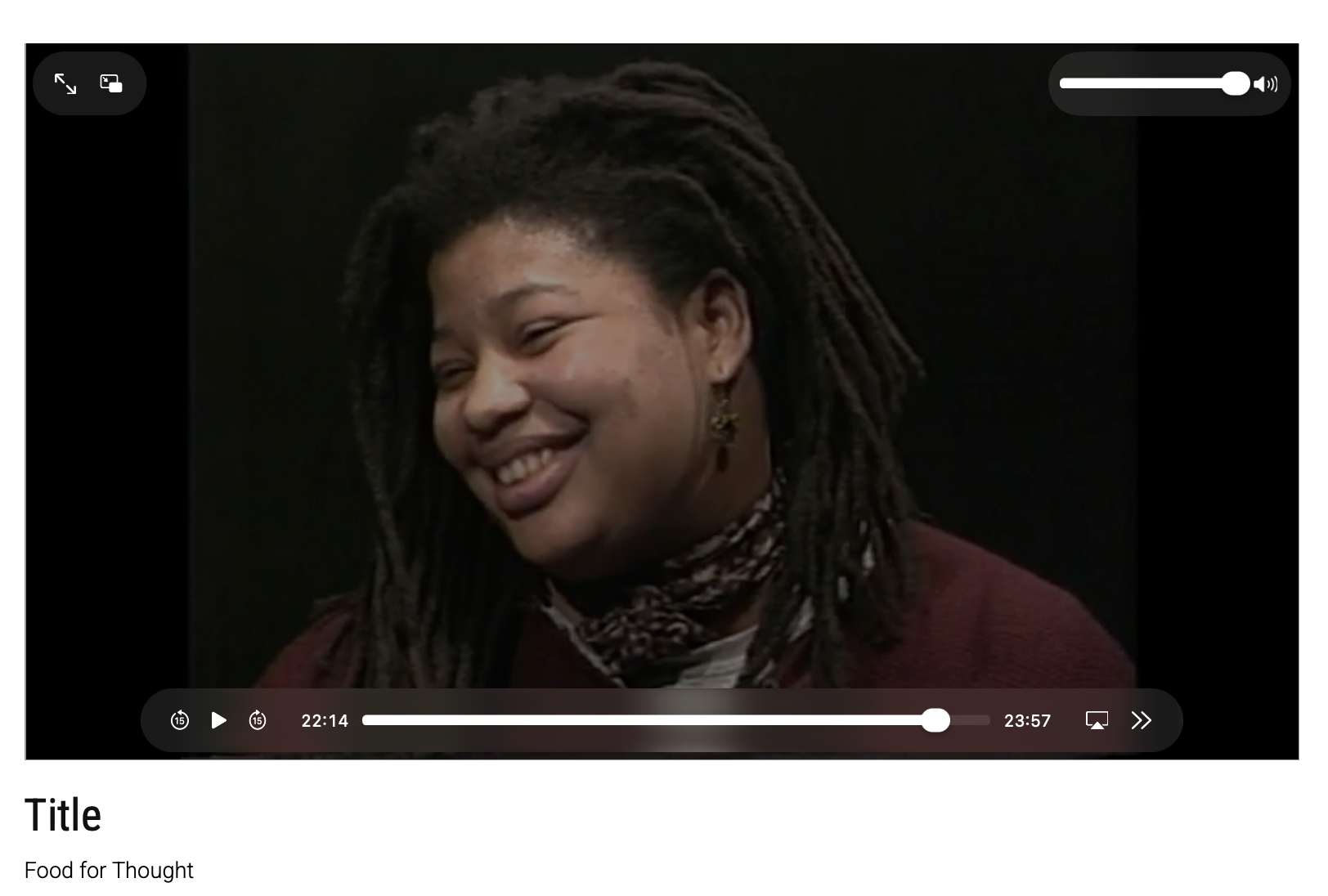
An example display of the default Video Formatter + simple HTML5 video player can be seen by reviewing this Archipelago Digital Object: Food for Thought.
Thank you for reading! Please contact us on our Archipelago Commons Google Group with any questions or feedback.
Return to the Archipelago Documentation main page.